
 Mabel R. Acton
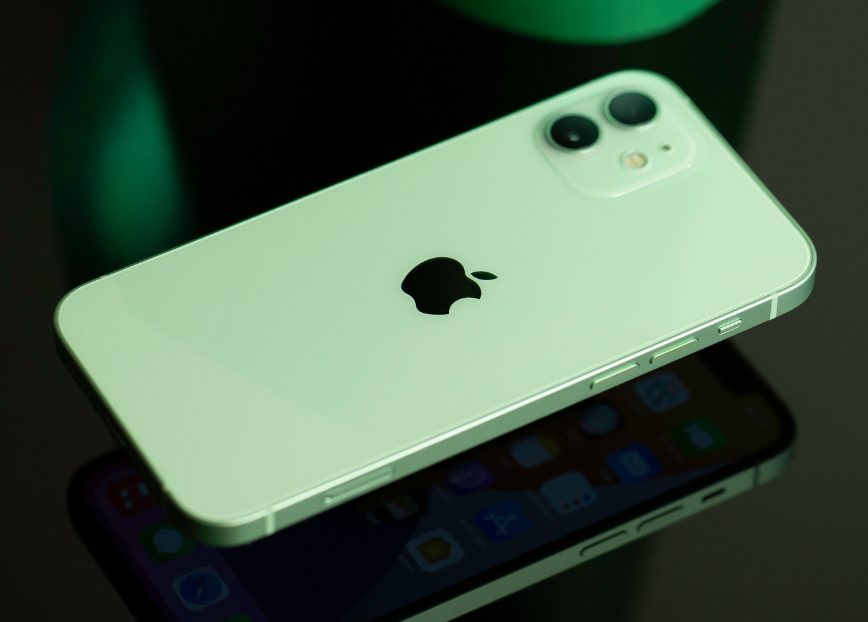
Yes, that is correct. Mind blown! The Apple logo on the back of an iPhone is actually a secret button you can use for a wide range of shortcuts. Apple calls this the “Back tap” feature, and it turns the Apple logo on the back of your iPhone into a secret button that can program to perform tasks such as taking a screenshot when you double tap it and launching one of your apps when you triple tap it.
iPhone Back Tap is not on by default though. In this article, we will show you how to turn on the ‘Back Tap feature and make it your own secret button.
How to setup the Apple logo as a secret button
To turn the Apple logo on the back of your iPhone into a secret button when you double tap or triple tap it, follow these below:
- Open Settings on your iPhone
- Tap on Accessibility
- Tap on Touch
- Tap on Back Tap at the bottom
- Tap on Double Tap
- Select the shortcut you want to happen when you double-tap the Apple logo
- Tap on Back Tap at the top of your screen
- Tap on Triple Tap
- Select the shortcut you want to happen when you triple-tap the Apple logo
What is Back Tap and what options are there?
There are a number of options to choose from when it comes to programming what function you would like the button to perform. The standard options available for both double tap and triple tap are:
- None
- Accessibility Shortcut
- App Switcher
- Camera
- Control Centre
- Home
- Lock Rotation
- Lock Screen
- Mute
- Notification Centre
- Reachability
- Screenshot
- Shake
- Siri
- Spotlight
- Torch
- Volume Down
- Volume Up
- Assistive Touch
- Background Sounds
- Classic Invert
- Colour Filters
- Magnifier
- People Detection
- Smart Invert
- Speak Screen
- VoiceOver
- Zoom
- Zoom Controller
- Scroll Down
- Scroll Up
If none of these options excites you then you can also use Siri Shortcuts at the bottom of the list of options. If you have created Siri Shortcuts, they will appear here. If you haven’t, you can create a Siri Shortcut, such as showing the weather for the day or calling your bestie for example.
Will the iPhone Back Tap Work If You Have a Phone Cover?
Yes, it will still work but a really think case might make it less reliable. Unlike the touchscreen functionality, the Back Tap feature doesn’t work by sensing touch. To this end, your iPhone’s accelerometer, gyroscope, and other sensors will recognize the input or movement due to your taps and actions.
Unfortunately, Back Tap isn’t a perfect feature and some people, after using it, decide it is not for them. Unlike traditional buttons, Back Tap works by sensing vibrations or movements around your iPhone. This can lead to you accidentally triggering it just by picking up your iPhone or placing it on a desk.It is one of those features you will need to try for yourself and see if it works.


